Setting up pfSense in Proxmox
I set up pfSense inside Proxmox running on my Dell Inspiron server.
This setup is internal only (no WAN) since I’m using it strictly for labbing, VLAN testing, and internal routing/firewall rules.
Hardware / Host
- Dell Inspiron (Proxmox VE installed on bare-metal)
- Proxmox storage configured for VMs (
local-lvm~500GB)
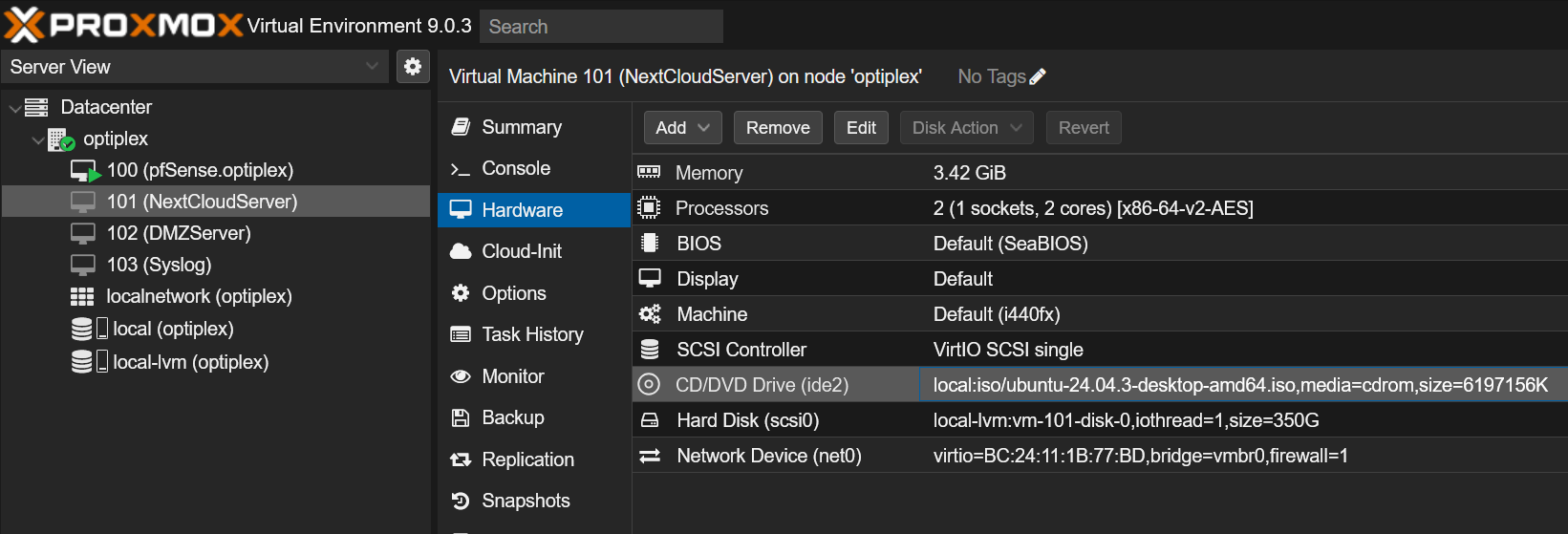
pfSense VM Setup
- Created VM in Proxmox
- Guest OS: Other / FreeBSD
- Disks: 20GB (VirtIO)
- CPU: 2 cores
- RAM: 2GB
- Network:
vmbr0as LAN (192.168.12.169/24)
- Installed pfSense ISO in the VM
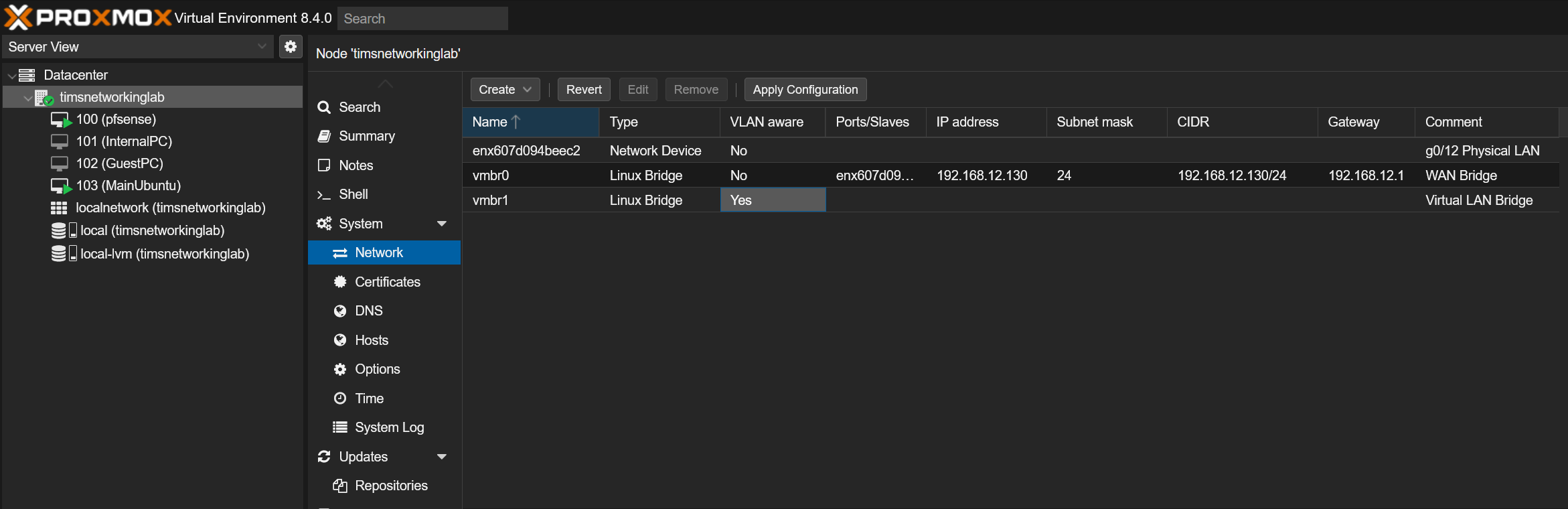
Interface Setup
- WAN: not configured (internal-only lab)
- LAN:
- Static IP: 192.168.12.169/24
- DHCP Server: enabled (range 192.168.12.100–192.168.12.200)
Network Access
From my laptop, I can access the pfSense WebGUI at:
https://192.168.12.169
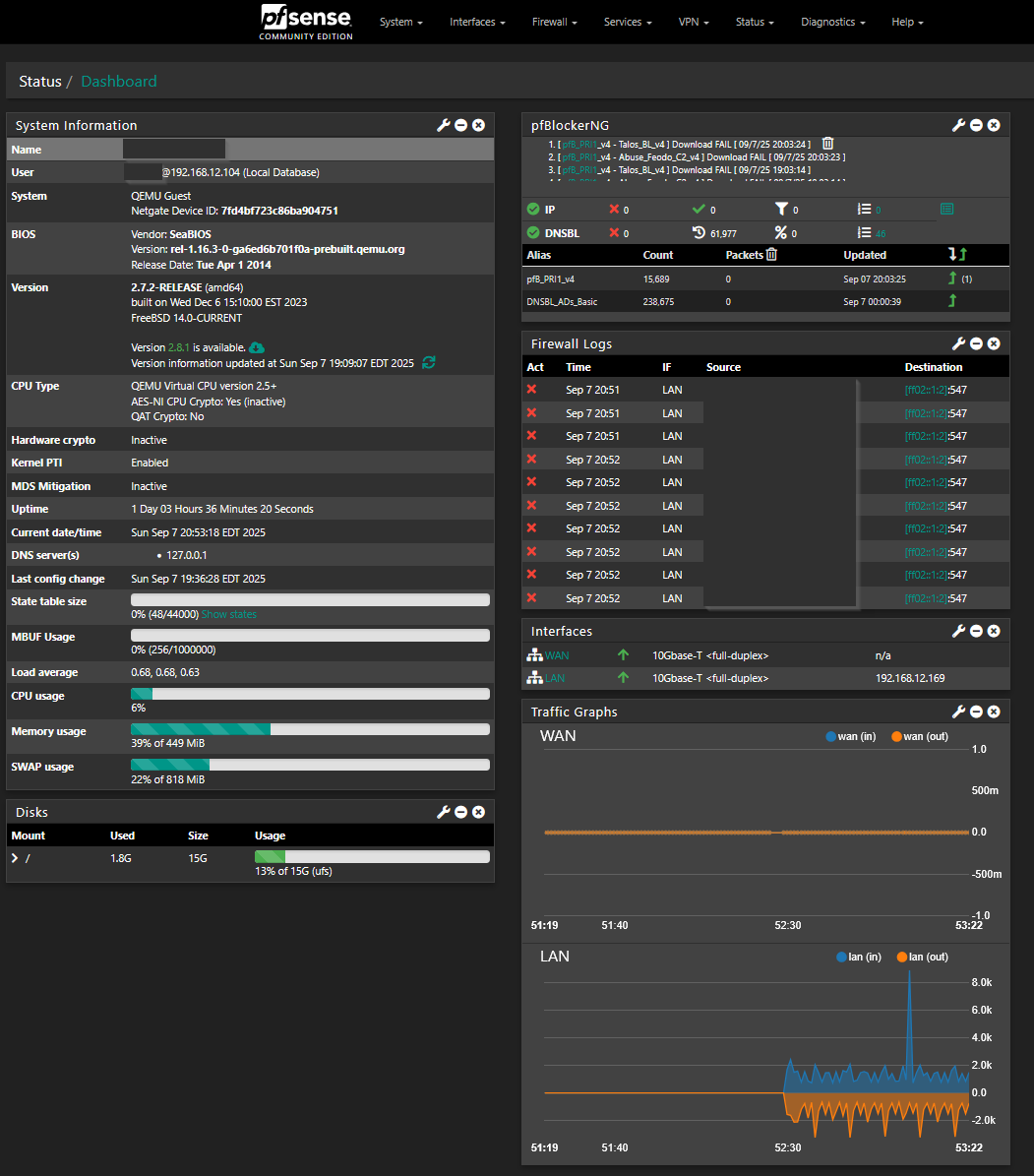
All routing/firewall testing is internal only. No Internet passthrough.